



Introducing KnowledgeMonkey — your AI-native second brain
Today we're opening up KnowledgeMonkey to the world. Here's why we built it, what it does, and how to take it for a swing.
Web · iOS · Android · Free to start
Capture. Organize. Talk to it. Talk hands-free, switch between GPT, Claude or Perplexity, and turn scattered chats into notes, courses, books and study material you actually keep.

Features
Capture by voice. Organize visually. Search semantically. Take it everywhere — and own every byte.
Drive, walk, cook — capture ideas and have full back-and-forth conversations with your knowledge base, no keyboard required.
Plug into GPT, Claude, Perplexity and many more. Pick the right model for the job — or bring your own API key.
Your knowledge is broken into semantic chunks. No matter how big it gets, the AI always finds the right bits.
Reorganize the same knowledge as a tree, a mind map, or a simple list — whichever way your brain prefers.
Already living in ChatGPT? Hook KnowledgeMonkey in and let it remember everything for you across sessions.
Export your entire brain as Markdown, plain text or CSV any time. It is your knowledge — we just give it a great home.
The problem
Brilliant chats with AI scroll off the screen. A week later you cannot find that genius answer about your business idea.
Linear chat threads were never designed to be a knowledge base. There is no shape, no index, no map.
Every insight becomes a chunk. Chunks become trees, maps and projects. Your AI conversations finally compound.
Use cases
Four flagship use cases — and a thousand more your monkey brain will invent.
Every great answer becomes a saved chunk. Tag it, link it, drop it into a project — your AI chats finally stay put.
Spin up a course like "Nutrition 101" — one hour, ten short lessons. Listen while you walk, chat at the end of each chapter, edit on the fly.
Drop your notes in, let the AI quiz you, generate flashcards, and explain the bits you got wrong — all in one place.
Dictate a chapter on a walk, restructure it into a tree, let the AI tighten the prose, export to Markdown when you ship.
Capture the spark in voice, expand it with AI, slot it into your content tree, publish to your favourite platform.
Bundle a topic into a shareable project. Let others read it, remix it, contribute back — or keep it private. Up to you.
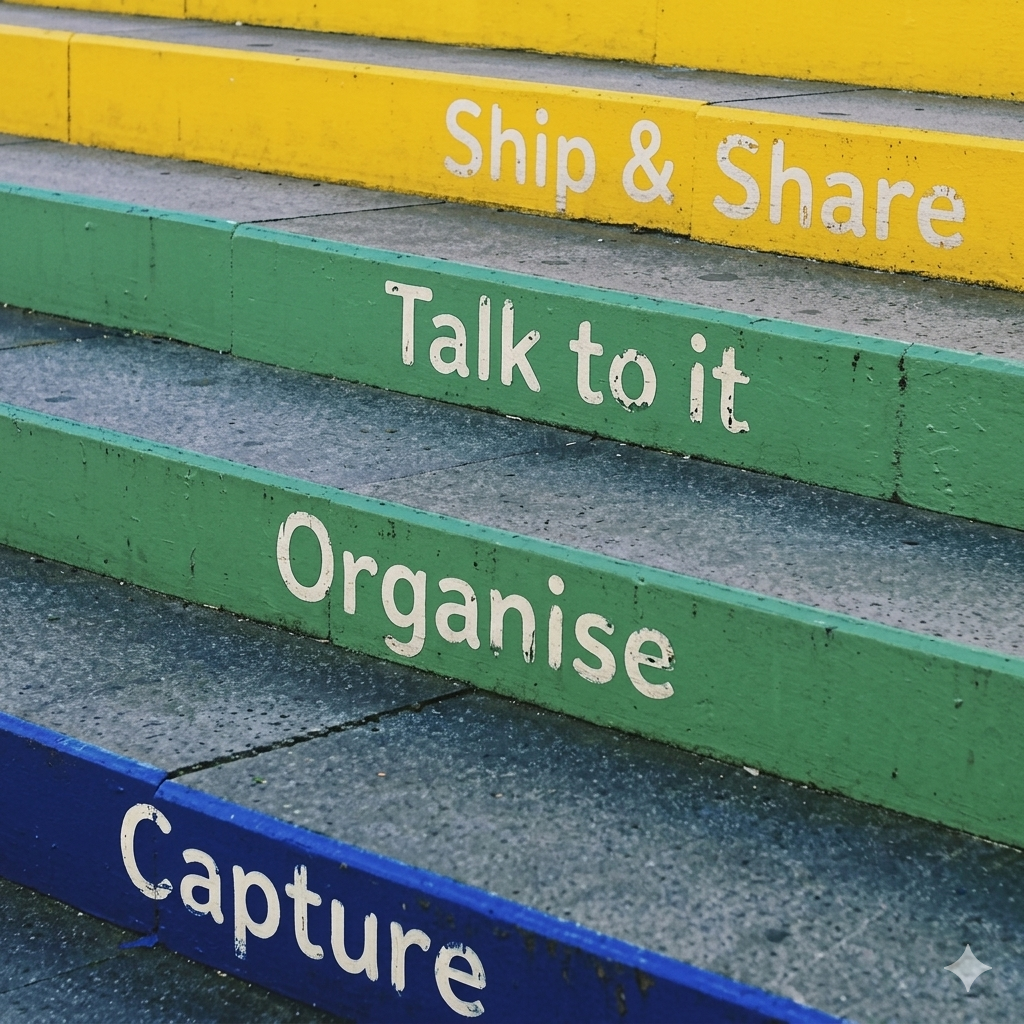
Step 1: Capture
Tap, type or talk. Drop in a YouTube link, a paste from ChatGPT, a voice memo. Anything becomes a knowledge chunk.
Step 2: Organize
Flip between tree, mind map and list. Drag chunks into projects. Let the AI suggest the structure for you.
Step 3: Talk to it
Hands-free chats with your own brain. Quiz yourself, draft a chapter, listen to a lesson — pick your favourite LLM.
Ship & share
AI-native, end to end
Switch between GPT, Claude, Perplexity and others per project — or per question. The right brain for the right job.
Every chunk is embedded and indexed. Search by meaning, not keywords. Scale to thousands of notes without losing the thread.
Hands-free conversations are not a feature. They are how the product was designed from day one.
Let AI rewrite a lesson, condense a chapter, or turn a tree into a mind map — all from inside the app.
Product updates, deep dives on AI-native knowledge, and walkthroughs of real KnowledgeMonkey projects — from quick notes to full training courses.
Today we're opening up KnowledgeMonkey to the world. Here's why we built it, what it does, and how to take it for a swing.

A walkthrough of using KnowledgeMonkey to spin up "Nutrition 101" — ten short lessons you can listen to on a walk, with an AI conversation at the end of each chapter.

GPT, Claude, Perplexity, Gemini — they're not interchangeable. Here's how to pick the right brain for the right project inside KnowledgeMonkey.

Why the linear chat thread is the wrong shape for the smartest things you say to an LLM — and what we're building instead.
FAQs
Everything you need to know before you swing in.
Yes. The core app — capturing, organizing, voice chat with your own knowledge, exports — is free forever. Pro and Teams plans add cloud LLM credits, premium voices and advanced collaboration.
GPT (OpenAI), Claude (Anthropic), Perplexity, and a growing list of others. Pick per project, per question, or bring your own API key on the Free plan.
Tap once and start talking. KnowledgeMonkey transcribes you live, talks back through high-quality voices, and saves anything worth keeping straight into your knowledge base — perfect for walks, drives or workouts.
Desktop web, iOS and Android. Your knowledge syncs across all three so you can capture an idea on the move and refine it at your desk.
Anytime. Download everything as Markdown, plain text or CSV. No data lock-in — you own your brain.
Bundle any set of chunks into a project. Share it as read-only, let trusted collaborators contribute, or keep it private. Great for teams, study groups, or publishing knowledge to the world.
Free forever core. Works on web, iOS and Android. Bring your own LLM, or use ours.